Cloud Dashboard · Clients
See which vacancies aren't moving
Everything about your open vacancies in one dashboard: where they're open, who brought them in and where the trend is heading.
Fortemporary staffing, secondment and perm recruitment
Datafrom your ATS and back office
2 weeksuntil your own figures are ready
What it looks like
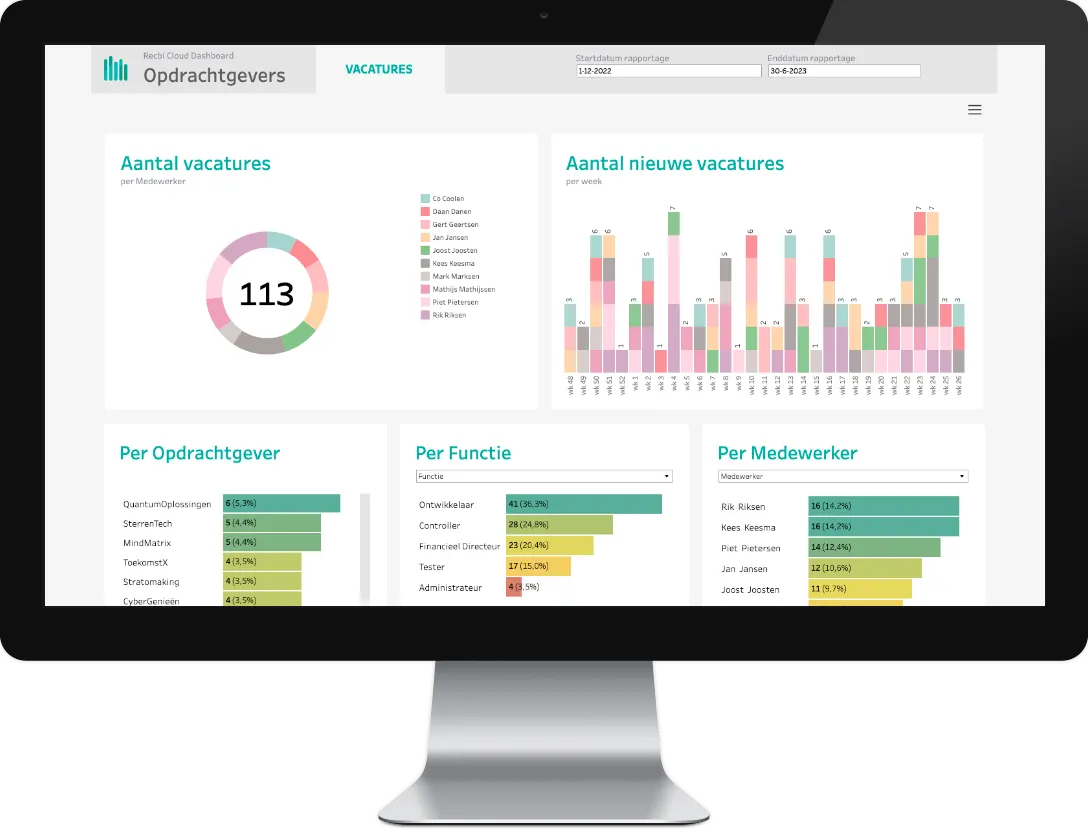
The Clients dashboard
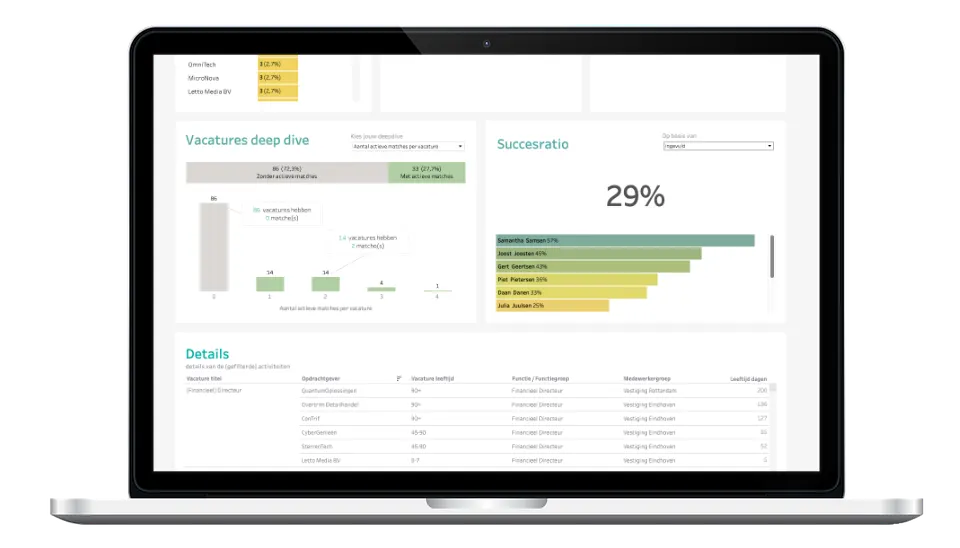
Screenshots of the standard dashboard, with test data.
What it answers
The questions this dashboard answers
Which vacancies have been open too long?
Which clients give us the most vacancies?
What percentage of our vacancies do we fill?
What you see
What you see in this dashboard
- Inflow and backlog How many new vacancies are coming in, and how many are open at the same time?
- Old or untouched vacancies See which vacancies have been open too long or have too few active processes.
- Which profiles are in demand Per job title or job family, you see where demand is highest. Does your candidate supply still match?
- Your best clients Which clients give you the most vacancies, and how many of those do you fill?
In short
KPIs, systems and who it's for
KPIs in this dashboard
- New vacancies per period
- Open vacancies
- Vacancies open too long
- Demand per job title and job family
- Vacancies per client
- Fill rate: how many vacancies you fill
Who it's for
See the Clients dashboard with your own figures
In a demo we show it using the questions you have right now. We'll also tell you which of your systems we connect.